https://entertainer.top/
Home
Pricing
Free Trail
Installation Guide
Contact Us
Amazon Devices = Firestick / FireTV Setup Guide
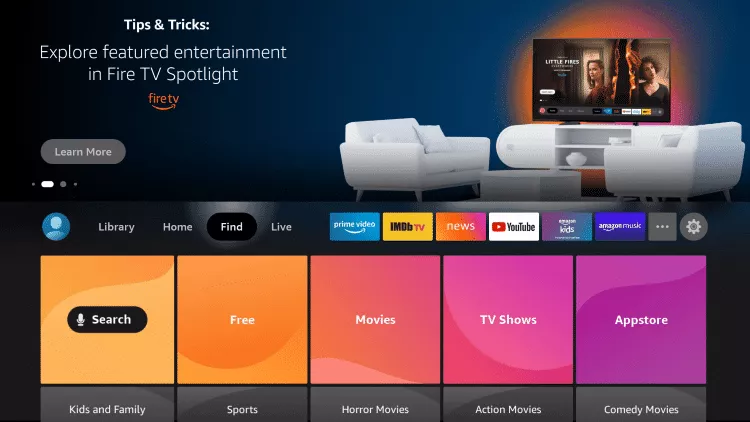
1- From the Home Screen of your Device, hover over the Find Option
2- Click Search.
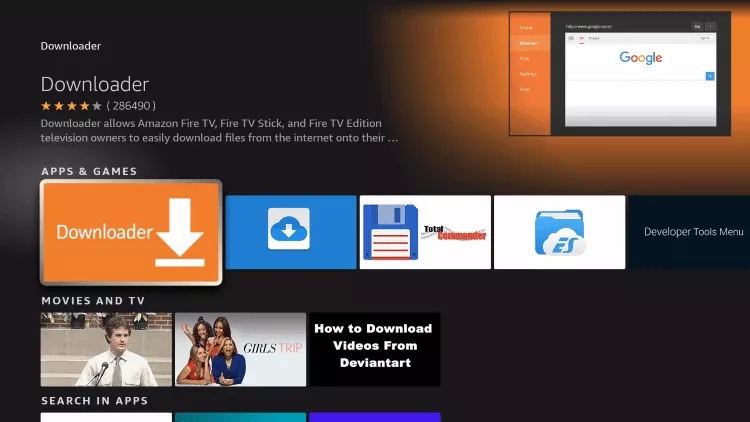
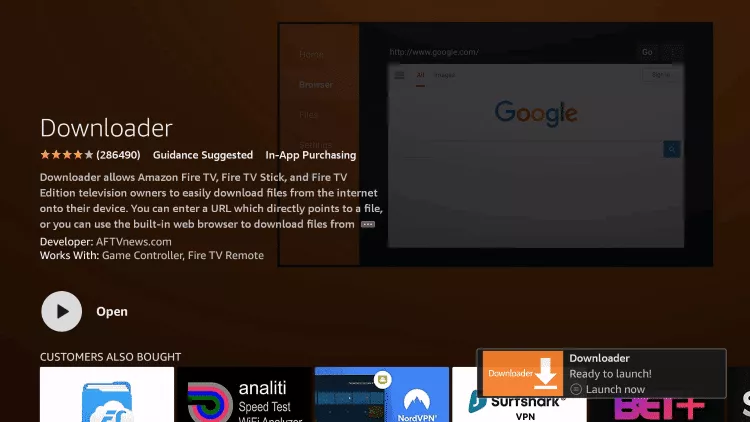
3- Search for and select Downloader.
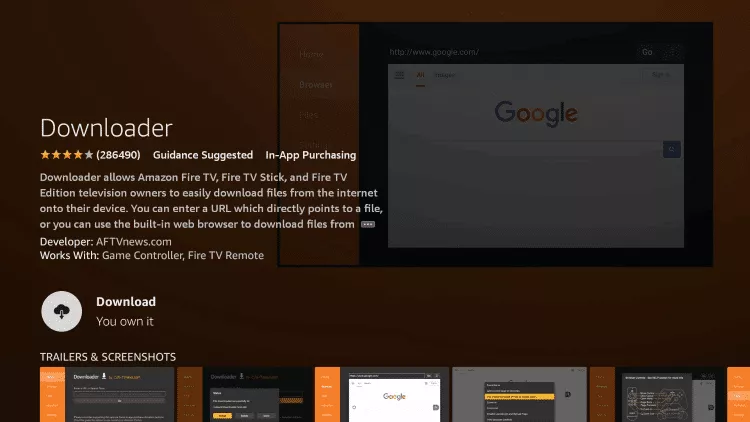
4- Choose the Downloader app.
5- Click Download.
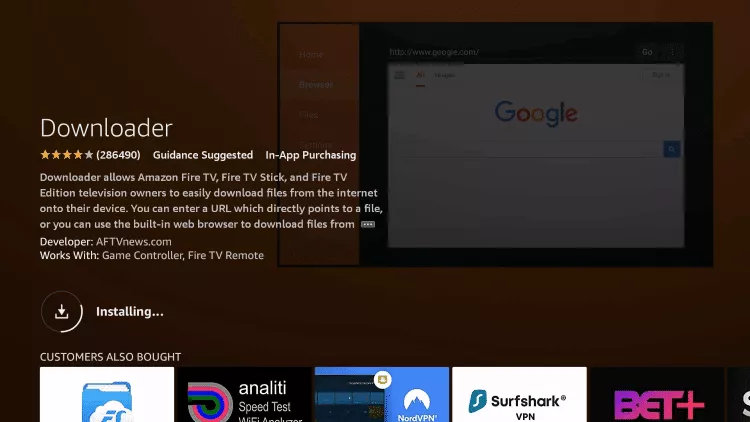
6- Wait for the app to install.
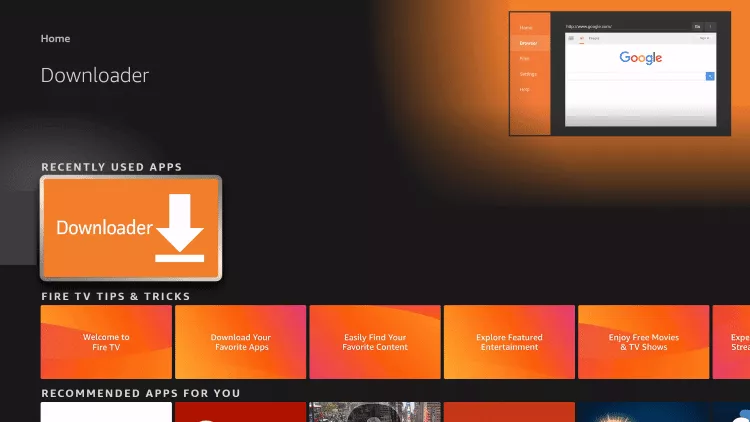
7- Once the app finishes installing click Open
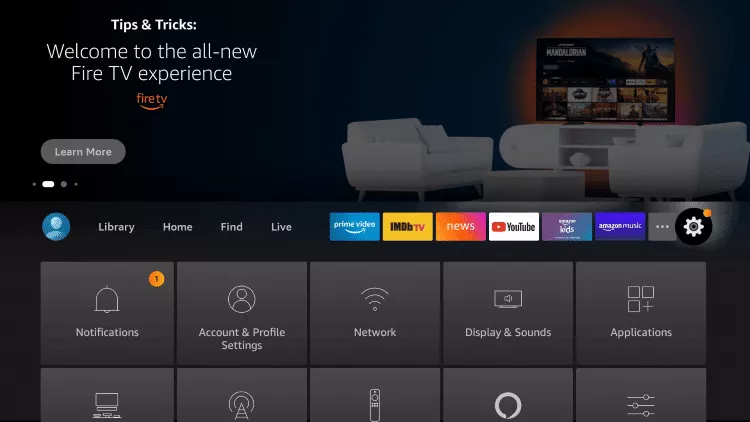
8- Return to the home screen and open Settings..
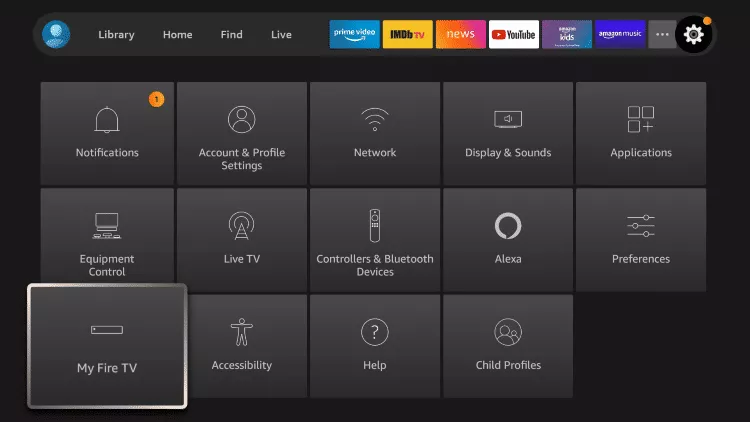
9- Click My Fire TV.
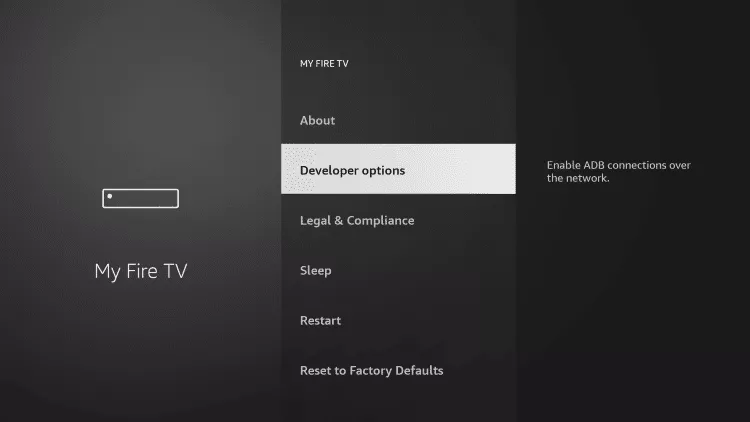
10- Choose Developer options.
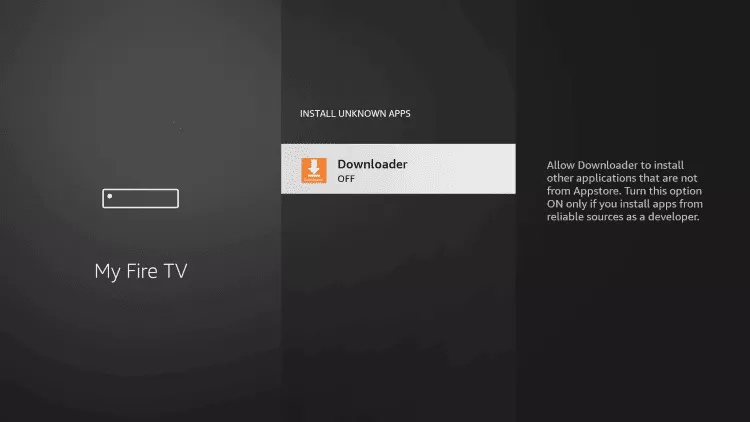
11- Click Install unknown apps.
12- Find the Downloader app and click it.
13- This will turn Unknown Sources to On for the Downloader app. This will enable side-loading on your device..
14- Launch Downloader.
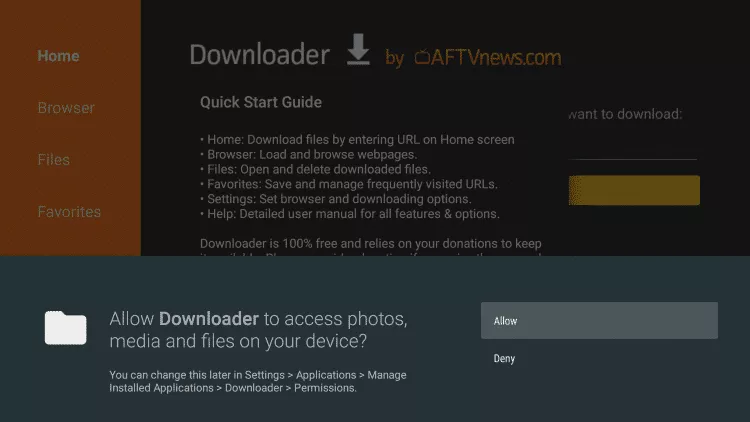
15- Click Allow.
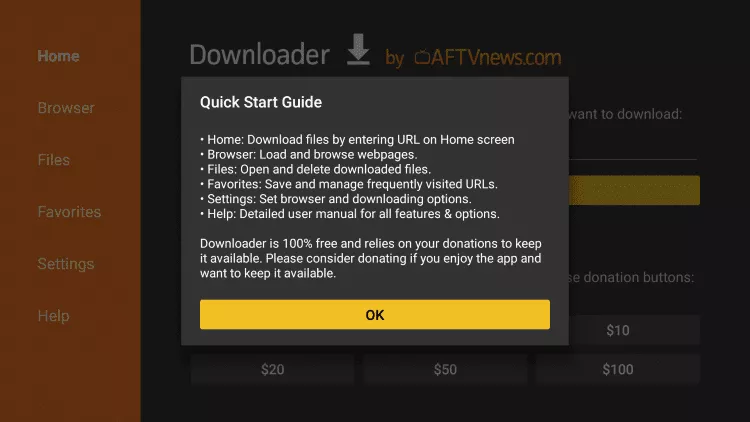
16- Click Ok.
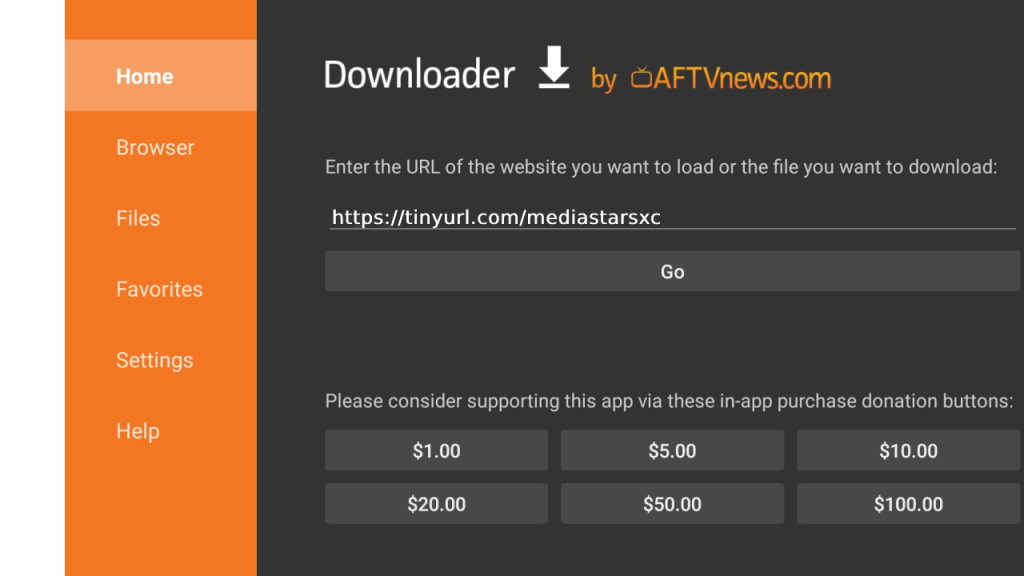
17- Type the following URL exactly as shown here: https://iptvsmarters.com/smarters.apk
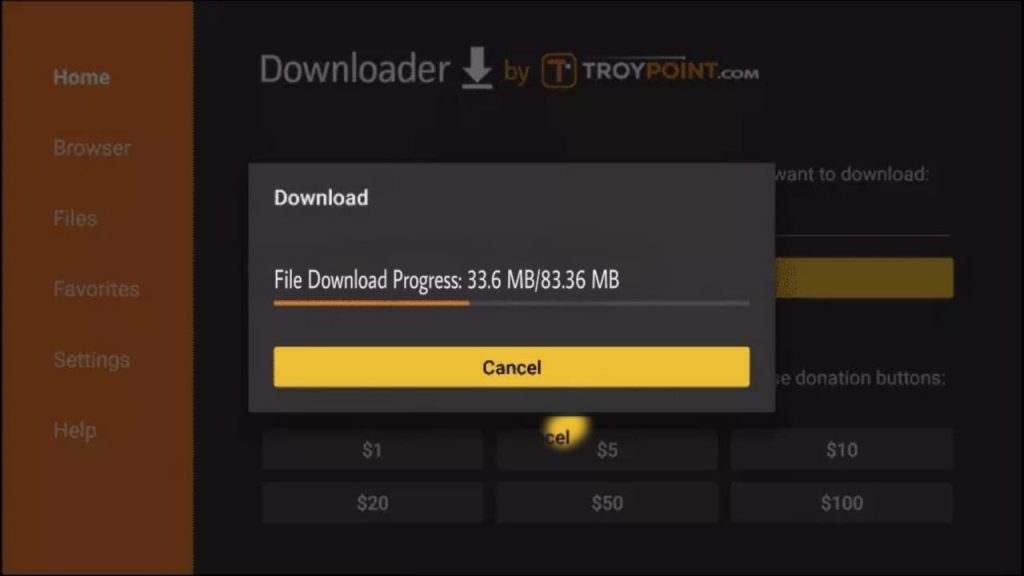
18- Wait for file to download.
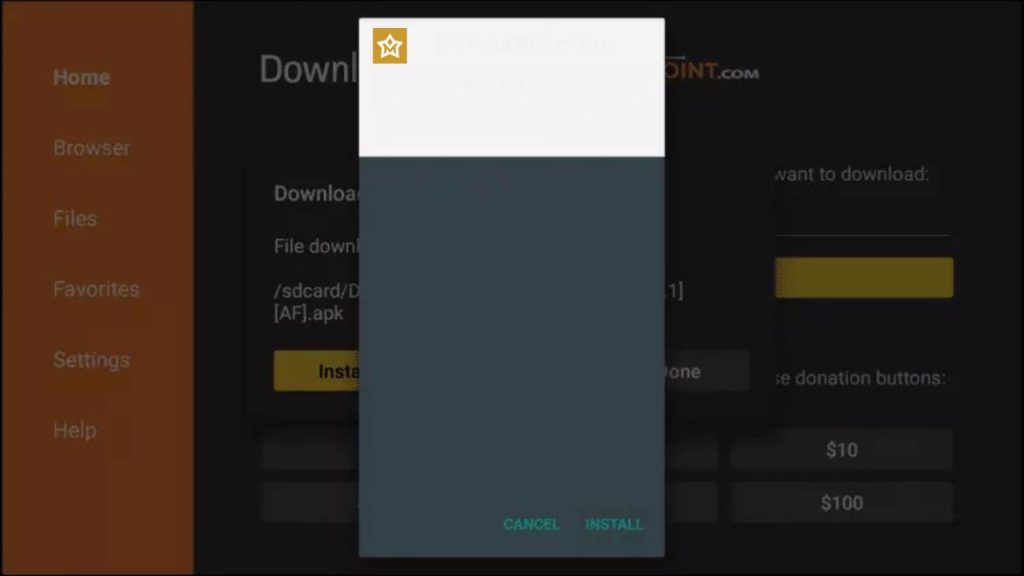
19- Click Install.
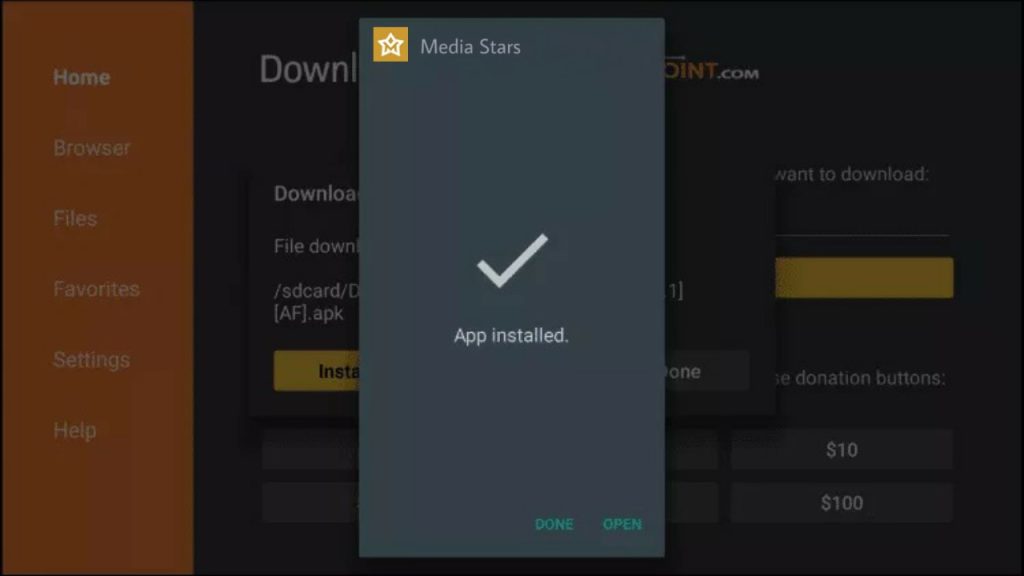
20- Click Done.
21- Now Please Login with the credentials which we provide you
Important Note: Please Check your emails for the Login details to Login into Our Custom application on your Firestick.
Need Help? If you're having trouble with the installation, please contact our 24/7 support team.
Premium Entertainment Service
service promises a fresh, immersive experience, delivering a seamless blend of quality, variety, and innovation.
Quick Links
Pricing
Free Trail
Installation Guide
Contact Us
Get in Touch
Info@entertainer.top
Installation Guide
Need help getting started? Check out our comprehensive installation guide for step-by-step instructions.
View Guide
×
×
Cart