https://entertainer.top/
Home
Pricing
Free Trail
Installation Guide
Contact Us
IPTV Smarters Pro App Setup Guide
1- Download IPTV Smarters app for android or IOS and install the app on your device.
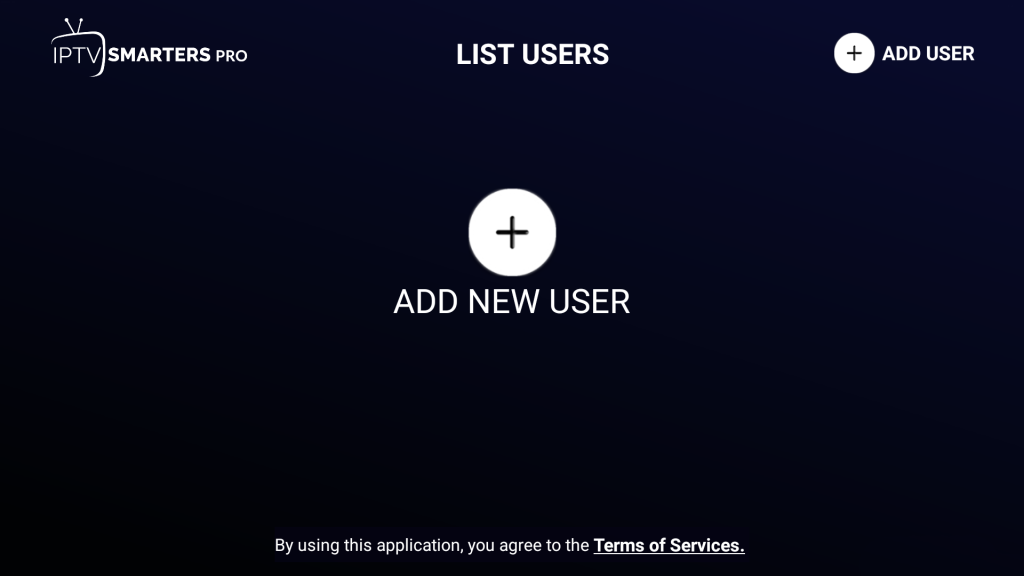
2- After installing the IPTV Smarters Pro on Android, IOS or any other device. Open the app it will ask you to ADD NEW USER
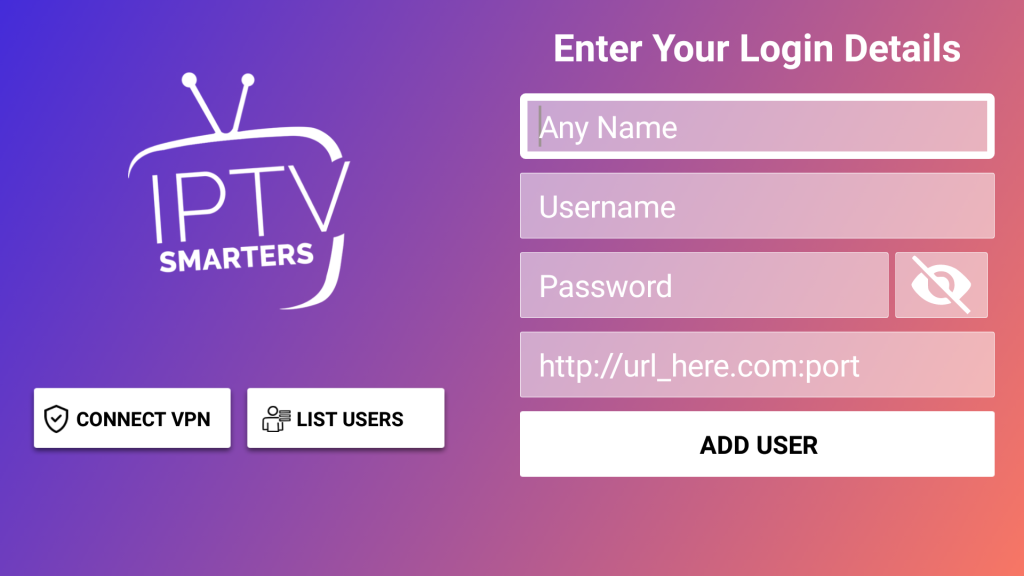
3- Now click the Add User button.
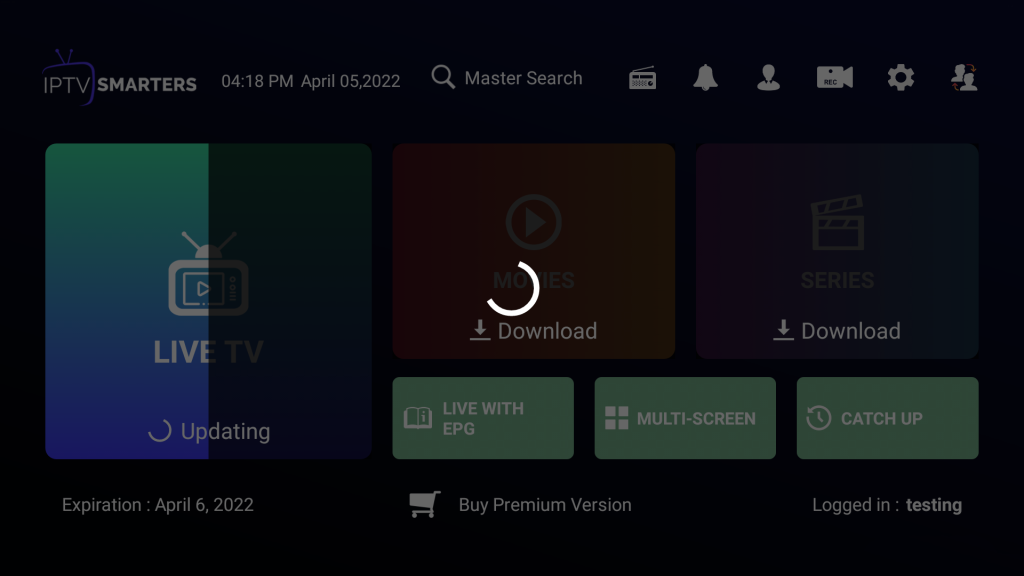
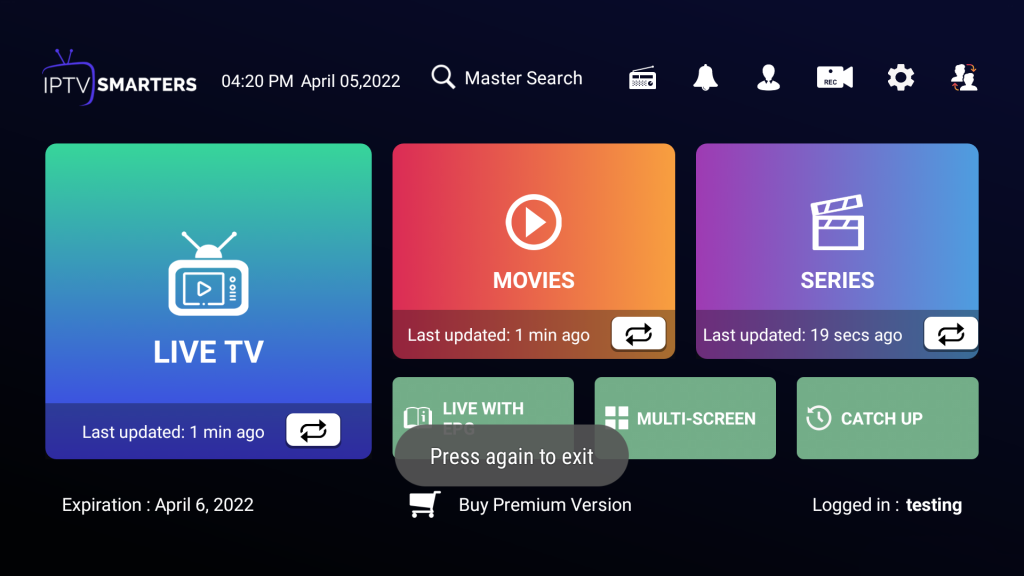
4- Now click on Live TV icon
5- Now you must select the channel category of your Choice from LIVE TV | MOVIES | SERIES.
Important Note:
Please note, we also send a copy of your login details via email after receiving payment for your subscription.
Need Help? If you're having trouble with the installation, please contact our 24/7 support team.
Premium Entertainment Service
service promises a fresh, immersive experience, delivering a seamless blend of quality, variety, and innovation.
Quick Links
Pricing
Free Trail
Installation Guide
Contact Us
Get in Touch
Info@entertainer.top
Installation Guide
Need help getting started? Check out our comprehensive installation guide for step-by-step instructions.
View Guide
×
×
Cart